
What this page covers
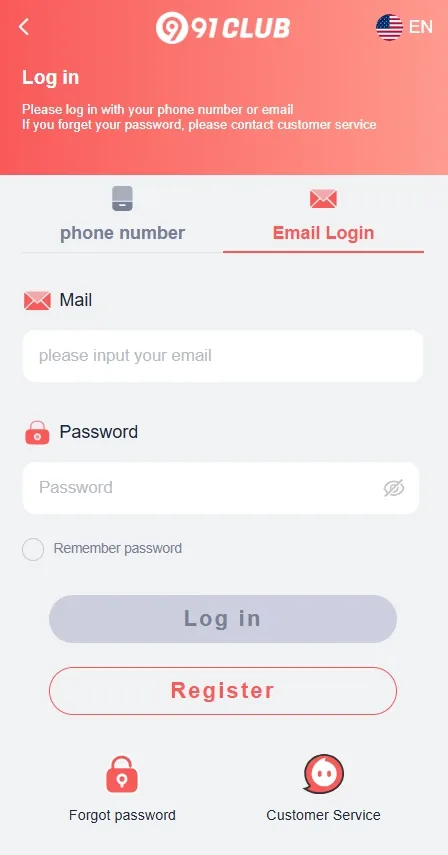
Use this login page to understand access checks, password recovery, OTP safety, captcha issues and fake login warnings. For a wider overview, return to the 91club India Guide homepage, then compare the registration guide and app guide.
Useful next checks
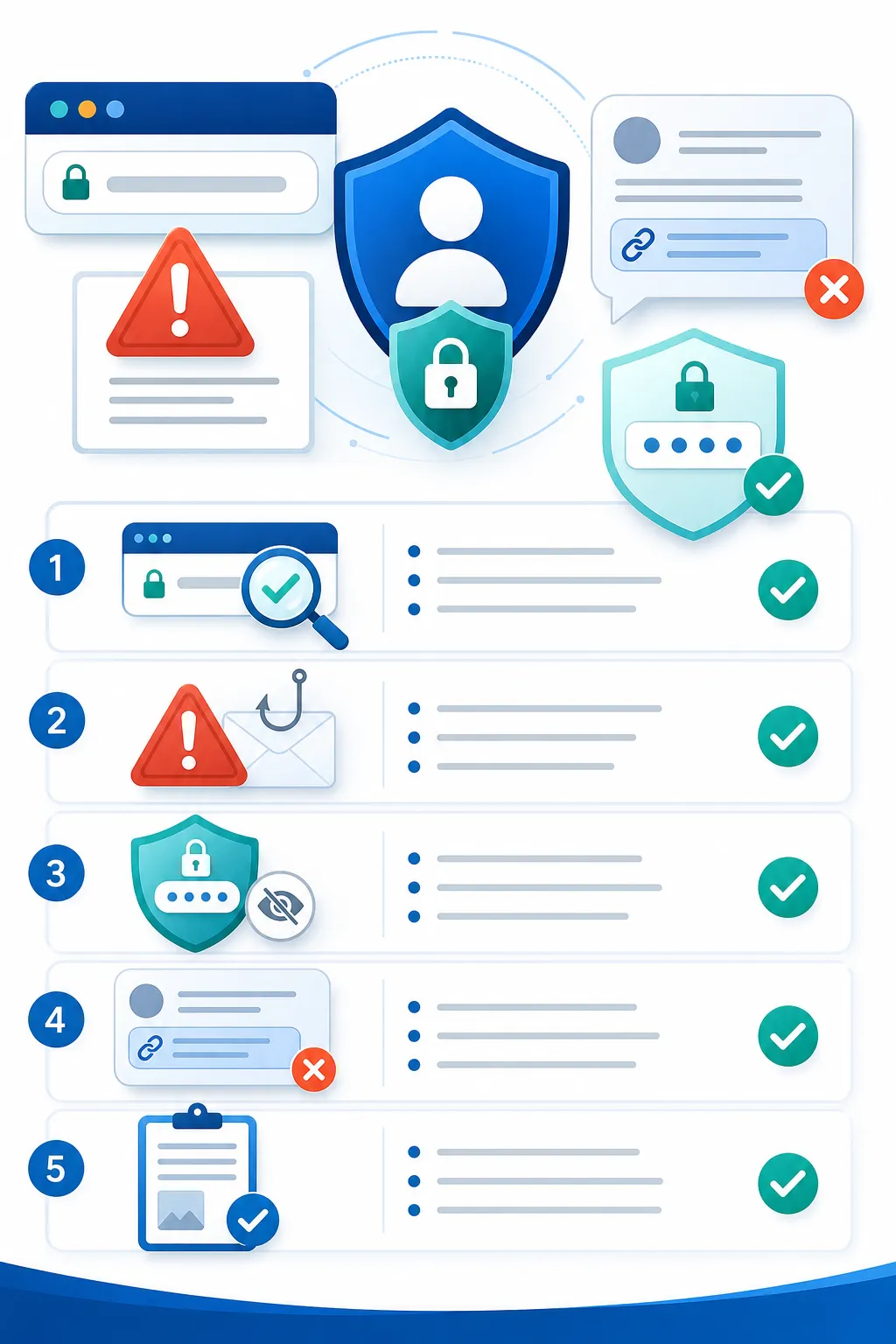
- Check HTTPS and domain spelling before entering details.
- Use only your own device when possible.
- Do not share OTP, password or captcha information.
- Use platform recovery routes instead of chat links.
18+ and responsible gaming reminder
This page is for adults only. It does not guarantee winnings, income, bonus approval or successful withdrawals. Check local laws and platform terms, set limits and play responsibly.
FAQ
Why is 91club login not working?
Login can fail because of a wrong password, expired OTP, captcha error, weak mobile network, browser cache or temporary platform restrictions. First check the URL and HTTPS, then confirm the mobile number or account detail you entered. Avoid repeated failed attempts from several tabs. If recovery is available, use the platform flow and do not share your password or OTP with anyone claiming to help.
What should I do if OTP does not arrive?
OTP delays can happen because of network congestion, SMS filtering, incorrect number entry or retry limits. Wait for the current OTP window to expire before requesting another code. Check mobile signal and message blocking settings. Never forward the OTP to a Telegram, WhatsApp or phone support contact. OTP is an account security code, not a support ticket.
Can I reset my password safely?
Use only the password reset option shown on the login page you have verified. Choose a strong password that is not used for email, banking, UPI or social media. Do not reset through links sent by strangers, screen-sharing apps or unofficial groups. After resetting, log out from shared devices and review account details before making any payment-related decision.
How do I identify a fake login page?
A fake login page may use a copied logo, similar colours, misspelled domain, short URL, unusual pop-up or urgent bonus wording. Check the address bar, HTTPS and domain carefully before entering details. Be cautious if the page asks for OTP repeatedly or requests payment information during login. A guide page should not ask for your account password.
Should I save password on a public device?
No. Public computers, shared phones and cyber cafe browsers can store passwords, sessions and cookies. If you must use a shared device, do not save the password, do not keep the account logged in and clear browser data afterwards. It is safer to use your own updated mobile browser with a lock screen and private password manager.
What if captcha keeps failing?
Captcha can fail because the page expired, the entry was mistyped, the browser is blocking scripts or the mobile network is unstable. Refresh once, avoid multiple tabs and try a stable connection. Do not install unknown apps or extensions to solve captcha issues. If the page keeps failing, pause and verify the link before entering more account details.
Can I use a Telegram login link?
Avoid logging in through Telegram or WhatsApp links unless you can independently verify the destination domain. Chat links can be copied, shortened or replaced by fake pages. Open the site from a trusted bookmark or typed address when possible. Never share OTP, password or payment screenshots with a chat contact claiming to provide faster login access.
Is this website official 91club support?
No. This website is an independent information guide for Indian users. It explains login safety, common access issues and responsible gaming reminders, but it is not official 91club support and cannot access accounts. For account-specific issues, use the support route shown inside the platform and avoid sharing private credentials with third parties.