
What this page covers
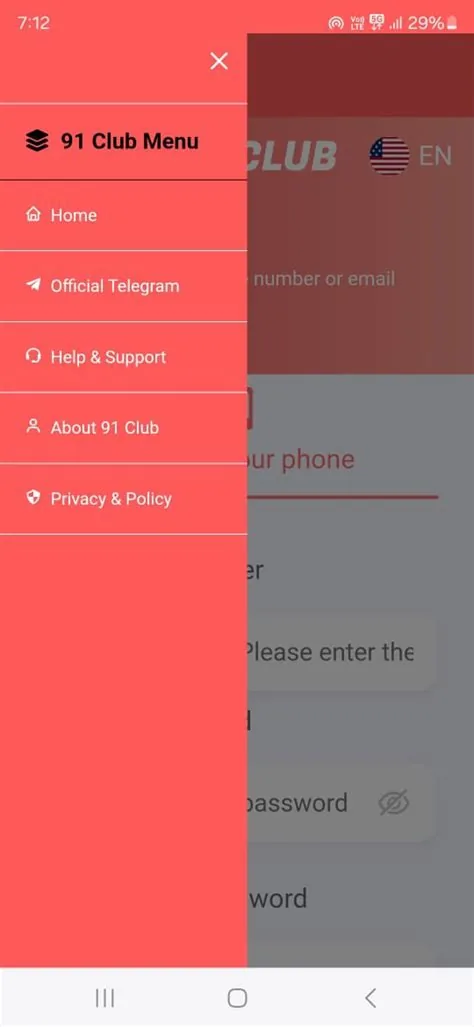
Use this app page to compare mobile browser access, Android app checks, APK source warnings, cache issues and OTP protection. For the main overview, return to the 91club India Guide homepage, then read the APK safety guide before installing any file.
Useful next checks
- Verify app source before installation.
- Use browser access if the APK source is unclear.
- Review permissions before login.
- Never install files from unknown chat groups.
18+ and responsible gaming reminder
This page is for adults only. It does not guarantee winnings, income, bonus approval or successful withdrawals. Check local laws and platform terms, set limits and play responsibly.
FAQ
Is there a confirmed 91club app?
This guide does not verify or host a confirmed app file. Users commonly search for 91club app, Android access and mobile browser alternatives, but app availability can change. Before installing anything, check the source, permissions and platform guidance. If the app source is unclear, using a mobile browser may be safer than installing a random file.
What should I check before installing an app?
Check the source, file name, requested permissions, update history and whether the app asks for unusual access. A gaming app should not need unrelated permissions such as full SMS reading, contacts or remote device control without a clear reason. Do not install forwarded files from strangers or apps that promise fixed results, earnings or special access.
Can I use mobile browser instead?
Yes, browser access can be a safer alternative when an APK source is unclear. A browser reduces installation risk and avoids granting app-level permissions. Keep the browser updated, check HTTPS and avoid saving passwords on shared devices. If browser access works clearly, there is no need to install a file from an unknown source.
What if the app does not open?
An app may fail because of old version, cache, network issue, device compatibility or server-side restriction. First restart the app, check connection and update the browser or operating system. Do not install multiple unknown APK files while trying to fix the issue. If access remains unclear, pause and verify the source before entering account or payment details.
Should I install an app from Telegram?
Avoid installing app files from Telegram, WhatsApp or random social groups. Files shared in chats can be modified, renamed or linked to fake login pages. If a message adds urgency with bonus or prediction claims, treat it as a warning. Use only a source you can verify and never enter OTP or payment details in suspicious apps.
What permissions are risky?
Permissions such as SMS reading, contact access, file access, notification abuse, accessibility control or screen overlay can be risky when they are not clearly needed. Review every permission before opening an app. If the app asks for payment access or tries to read OTP messages automatically, stop and verify. Account convenience should not override privacy and security.
Can an app guarantee results?
No app can guarantee game results, winnings or withdrawals. Any app or message claiming certainty claim, certain outcomes or income should be treated as unsafe. Mobile access is only a way to view or use a platform; it does not change the risk of games. Keep budget and time limits even when the interface feels convenient.
How can I protect OTP on mobile?
Keep OTP messages private, lock your phone, avoid screen sharing and do not allow suspicious apps to read SMS. Do not forward OTP to support contacts, groups or friends. If an app asks for permissions that could expose OTP messages, deny the permission and reconsider installation. OTP safety protects both login and payment-related actions.